
Pairing wireless earbuds with an Android phone usually takes under a minute. Menu names differ slightly between phone brands and Android versions, so use these steps as a guide, and check your earbuds' manual for the exact way to put them into pairing mode.
Before you start
- Charge the earbuds and the charging case.
- If the earbuds were used with another phone or laptop, turn off Bluetooth on that device, or they may reconnect to it instead.
- Learn your earbuds' pairing mode. Common methods are opening the case lid with the earbuds inside (often enough on first use), pressing and holding a button on the case, or touching and holding both earbuds until a light flashes. This varies by model.
- Neckbands usually have a power button, and some switch on when you separate the magnetic earpieces.
Option 1: Google Fast Pair
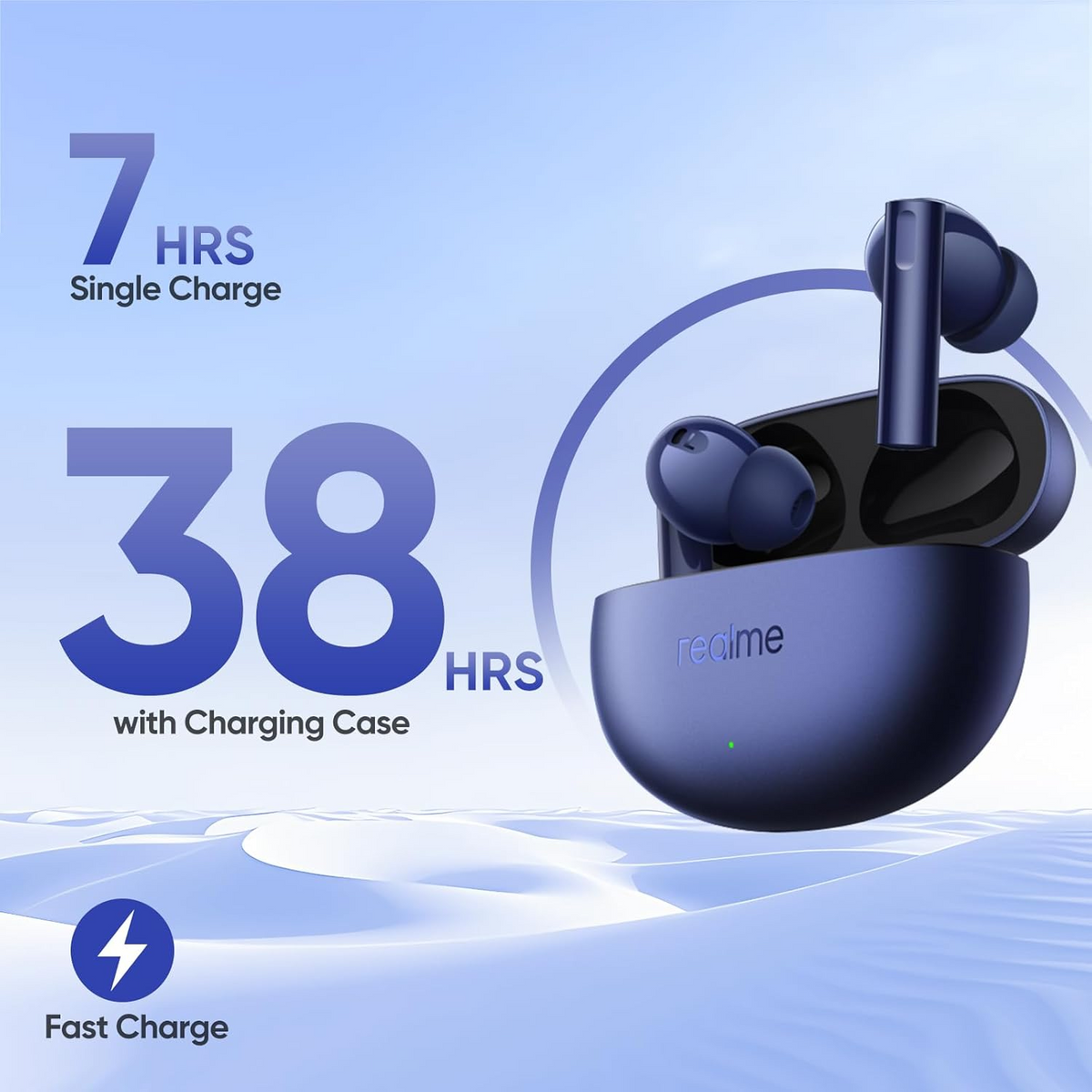
Earbuds that support Google Fast Pair show a pop-up on your phone, so you don't have to dig through menus. In our catalogue, the Jabra Elite 4 and the realme Buds Air 5 both list Google Fast Pair support.
- Unlock your phone and turn on Bluetooth. On some phones, Location also needs to be on for the pop-up to appear.
- Put the earbuds in pairing mode and hold them close to the phone.
- When the pop-up appears, tap Connect (or the button shown) and follow the on-screen steps.
If the pop-up doesn't appear, use Option 2. Every Bluetooth earbud can be paired this way.
Option 2: Pair from Bluetooth settings
- Put the earbuds in pairing mode.
- Open Bluetooth settings. The quickest way on most phones is to swipe down from the top of the screen and touch and hold the Bluetooth tile. Through the Settings app, it is Settings > Connected devices on Pixel and some other phones, Settings > Connections > Bluetooth on Samsung Galaxy phones and simply Settings > Bluetooth on many others.
- Tap Pair new device if you see it. On many phones, available devices are listed automatically once Bluetooth is on, and some have a Scan or Refresh option.
- Tap your earbuds' name in the list of available devices.
- Confirm the request by tapping Pair. Some phones also ask about sharing contacts; read the prompt and choose what suits you.
- Play a song and make a short test call to check that both work.
After pairing
- Install the brand's companion app if there is one. Apps add settings such as EQ, noise-control modes, touch controls and firmware updates; the realme Buds Air 5 listing, for example, mentions the realme Link app for Android.
- Next time, the earbuds usually reconnect on their own when you open the case, as long as Bluetooth is on.
- To use them with another device too, pair each device separately. Earbuds with multipoint or dual connection can stay connected to two devices at once.
If the earbuds don't show up
- Put the earbuds back in the case, close the lid for a few seconds, then try pairing mode again.
- Turn Bluetooth off and on, or restart the phone.
- If the earbuds are in your saved devices but won't connect, tap the gear icon next to them, tap Forget (or Unpair) and pair again.
- If they connect but there is no sound, tap the gear icon and check that the options for media audio and calls are switched on. Labels vary by phone.
- Still stuck? A reset often helps; see How to Reset True Wireless Earbuds (General Steps).
Quick answers
Why are my earbuds connected but the sound plays from the phone?
On most phones, the media controls in the notification shade show which output is selected; tap it and choose your earbuds. Also check that media audio is switched on in the earbuds' Bluetooth settings.
Do I need the brand's app to use my earbuds?
No. Music and calls work without it. The app adds extras such as EQ, noise-control modes and firmware updates.
Can I pair my earbuds with two phones?
Earbuds can remember several devices, but most connect to one at a time. Multipoint models can stay connected to two at once.
Shop wireless earbuds or neckbands to find a pair that suits you.


