
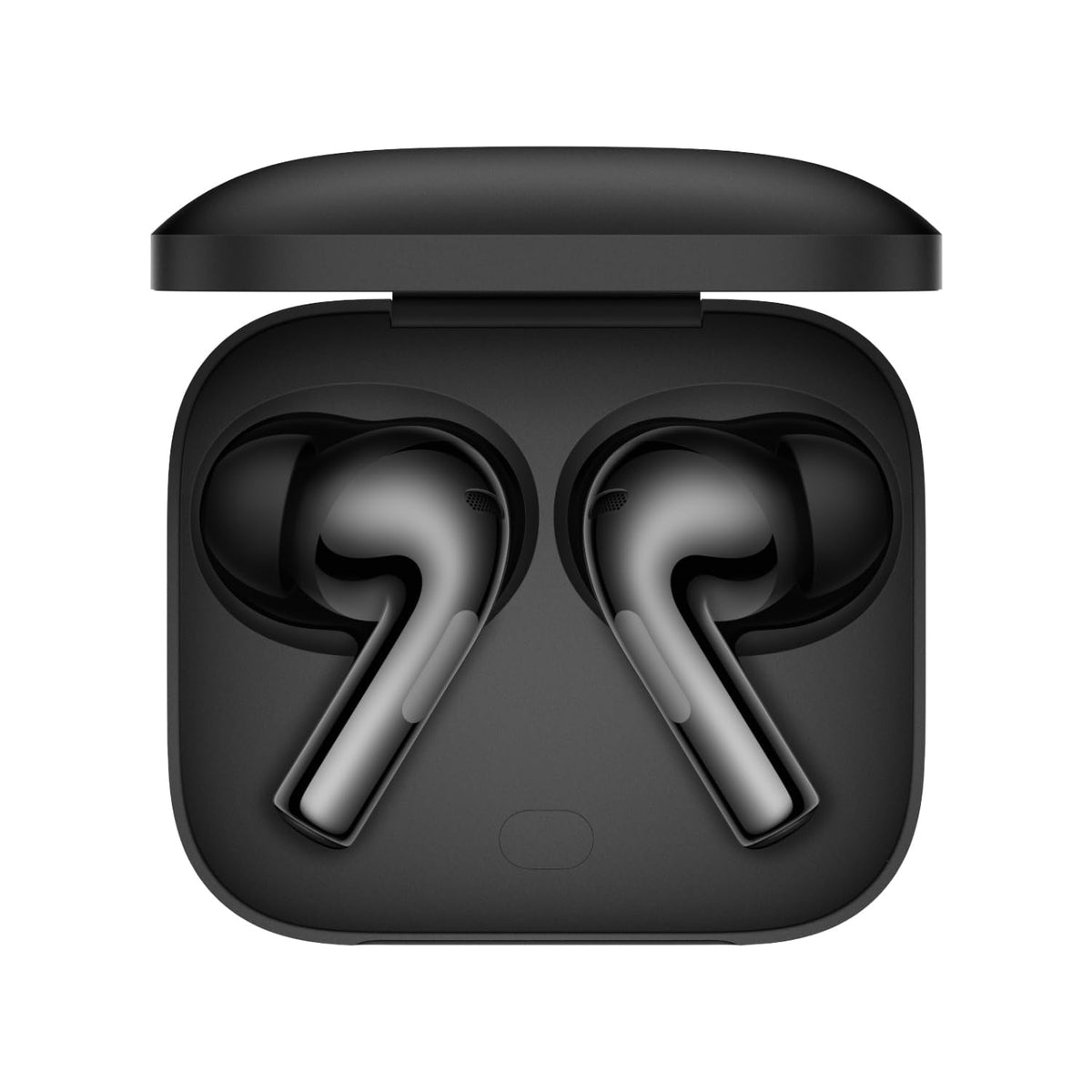
A Bluetooth codec is the method used to compress audio on your phone, send it over the air and decode it in your earbuds. The codec affects how much audio data gets through, and sometimes stability and delay. But it only works when both your phone and your earbuds support it. Here is a plain guide to the common ones.
How codecs work
When you connect earbuds, the phone and earbuds agree on the best codec they both support. If they have nothing better in common, they use SBC, which every Bluetooth stereo audio device must support.
Most Bluetooth codecs are lossy, meaning they discard some audio data to fit the connection. That includes high-bitrate codecs like LDAC. The differences between codecs can be subtle and depend on the music, the earbuds and your ears.
The main codecs
| Codec | Typical maximum bitrate | Where you find it | Notes |
|---|---|---|---|
| SBC | Roughly 320–345 kbps | Every Bluetooth audio device | Universal fallback; quality depends on the implementation |
| AAC | Commonly around 256 kbps | iPhones, iPads, Macs and many Android phones | The main codec on Apple devices; results on Android vary by phone |
| aptX and aptX HD | 352–384 kbps and 576 kbps | Many Android phones (support varies) | From Qualcomm; not supported on iPhones |
| aptX Adaptive | Variable, about 279–420 kbps in its standard form | Selected Android phones and earbuds | Adjusts to conditions; newer versions go higher |
| LDAC | 330, 660 or 990 kbps | Many Android phones and some earbuds | From Sony; the top setting needs a strong connection; not on iPhones |
| LHDC | Up to around 1,000 kbps on recent versions | Selected Android phones and earbuds | Limited phone support; not on iPhones |
iPhone and Android
- iPhone: uses AAC (or SBC). It does not support LDAC, aptX or LHDC, so earbuds with those codecs fall back to AAC or SBC and still work normally.
- Android: support depends on the phone. Many phones support AAC and LDAC, many support some aptX versions, and LHDC is mostly found on selected models.
- Brand codecs: some brands use their own codecs that only work between their own phones and earbuds, such as Samsung's Seamless Codec on Galaxy devices.
When the codec matters, and when it does not
- Your source: a low-quality stream will not improve with a better codec, so check your music app's streaming quality setting.
- Fit and tuning: for most listeners, a good seal and the earbuds' tuning make a bigger difference than the codec.
- Stability: the highest bitrates need a strong signal and can drop out in crowded places such as metro stations. Many phones use an adaptive setting by default.
- Delay: some codecs and settings add latency, which matters for games.
- Battery: high-bitrate codecs may shorten battery life on some earbuds.
Examples from the catalogue
- The realme Buds Wireless Pro neckband lists Sony LDAC with Hi-Res Audio certification, for more detailed sound from supported phones.
- The OnePlus Buds 3 list the LHDC 5.0 codec and high-resolution certification, along with dual drivers.
How to check the active codec on Android
- Turn on Developer options. On many phones you tap Build number seven times in Settings, under About phone; the exact steps vary by brand.
- Connect your earbuds and start playing music.
- In Developer options, look for "Bluetooth audio codec" to see or change the codec in use.
- Some phones also show codec or "HD audio" options in the earbuds' Bluetooth settings.
On an iPhone there is no codec setting; it uses AAC with earbuds that support it.
Quick answers
Is LDAC lossless?
No. LDAC is a lossy codec, even at 990 kbps, though it carries much more data than SBC or AAC.
Will LDAC earbuds work with an iPhone?
Yes, for normal listening and calls. They will use AAC or SBC, because iPhones do not support LDAC.
Which codec is best?
Usually the best one that both your devices support. On an iPhone that is AAC. On Android, LDAC, aptX Adaptive or LHDC can carry more data where supported, but stability and fit still matter.
Why does my LDAC connection drop out?
The 990 kbps setting needs a strong signal. Keep the phone close, or on many Android phones choose an adaptive or lower LDAC setting in Developer options.
Read Bluetooth 5.0 to 5.4 explained, or browse wireless earbuds and neckbands.


