
Noise-cancelling earbuds are great at shutting out the world, but sometimes you need to hear it: a station announcement, a colleague, or traffic on your walk home. That is what transparency and ambient modes are for. Here is how they work, what the different names mean and when to use them.
How transparency mode works
The earbuds' outer microphones pick up the sound around you and play it through the speakers, mixed with whatever you are listening to. The result is that you can hear your surroundings without taking the earbuds out.
Good transparency modes process this sound so that it feels natural. Others can sound slightly hissy or boosted, and wind noise may be amplified. Quality varies a lot between models.
Some models also let you adjust how much outside sound comes through, or emphasise voices, in the companion app. If yours does, try a few levels to find one that sounds natural to you.
Different names, similar ideas
| Mode | What it does | Good for |
|---|---|---|
| Transparency, ambient or hear-through | Plays outside sound through the earbuds while your audio continues | Walking, commuting, office use |
| Conversation or talk modes | Lower your audio and bring nearby voices forward | Quick chats, ordering at a counter |
| Adaptive modes | Blend noise cancellation and transparency automatically | Days with changing surroundings |
| ANC | Reduces outside noise | Flights, metro rides, focused work |
| Off | Neither mode; you rely on the seal alone | Saving battery in quiet places |
How different brands do it
- The Apple AirPods Pro (2nd generation) list Adaptive Audio, which dynamically blends ANC and Transparency, and Conversation Awareness, which lowers media volume and enhances voices when you speak to someone.
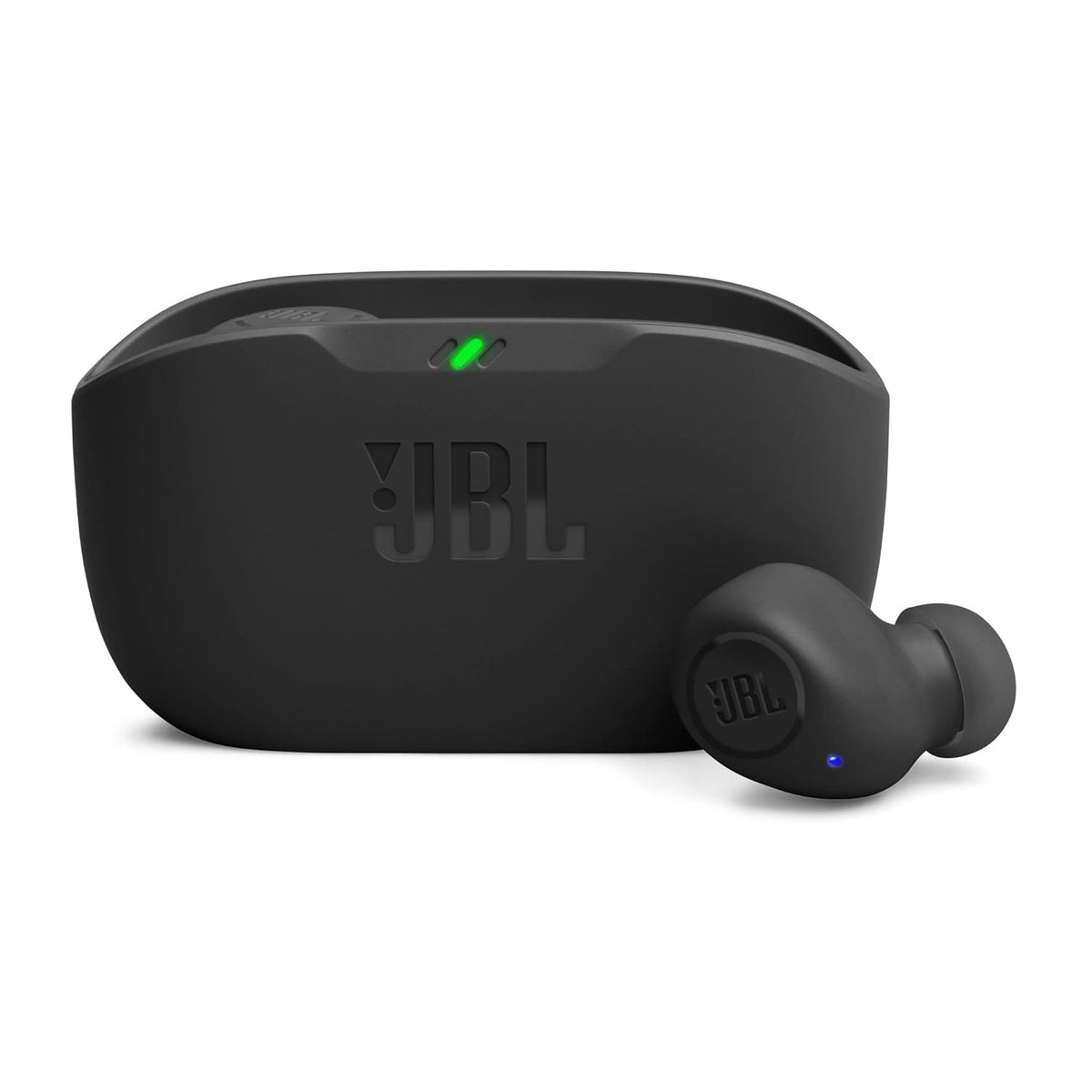
- The JBL Wave Buds offer two options: TalkThru lets you hear yourself and those around you without removing the earbuds, while Ambient Aware keeps the music playing as you stay aware of your environment.
- The Jabra Elite 4 pairs ANC with a HearThrough mode for hearing your surroundings.
When to use it
- Walking along busy roads, alongside paying full attention to traffic.
- Listening for announcements at stations and airports.
- Short conversations without removing an earbud.
- In the office, so you can hear colleagues.
- On outdoor runs and rides, at a low volume.
- On calls, with models that let you hear your own voice more naturally.
Limitations to keep in mind
- It is not the same as open ears. Some sounds, and the direction they come from, may be harder to judge.
- Your own audio still masks outside sound, so keep the volume low when you need awareness.
- It uses the mics and processing, so on many models it uses more battery than having both modes off.
- Wind can cause rumbling or whooshing on some models.
How to switch modes
On many earbuds, a press-and-hold or tap gesture cycles through the modes, and the companion app lets you choose which modes the gesture includes. If you rarely use one mode, removing it from the cycle makes switching quicker. On an iPhone, AirPods modes can also be changed from Control Centre. Gestures differ by model, so check the manual or app.
Quick answers
Is transparency mode safe for walking on roads?
It gives better awareness than ANC, but it is not the same as open ears. Keep the volume low, stay alert and pause your audio in heavy traffic.
Does transparency mode use more battery?
On many models, yes, compared with having both modes off, because it uses the mics and processing. Check the product's battery figures.
Why does transparency mode sound hissy?
The mics and amplification add a little background noise. Quality varies by model, and firmware updates can sometimes improve it.
Do only ANC earbuds have a transparency mode?
It is most common on ANC models, because they already have outer mics, but some earbuds without ANC offer an ambient mode too.
Explore ANC and noise-cancelling models, or browse all wireless earbuds.


