
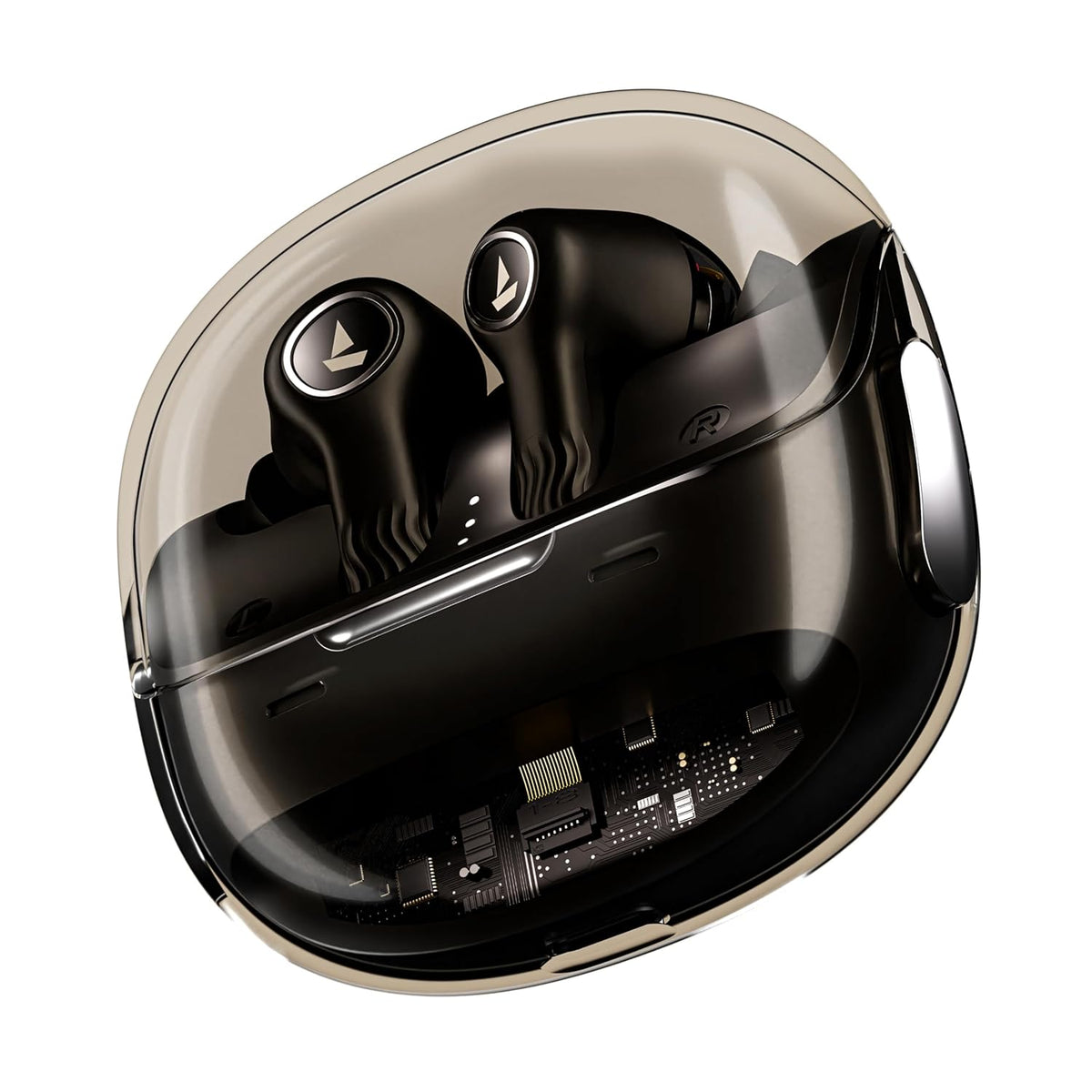
Earbuds and smartwatches run small built-in programs called firmware. Brands send firmware updates through their companion apps to fix bugs and sometimes add features. Here is what these apps do, why updates matter and how to install them safely.
What firmware updates can do
- Fix pairing or connection problems, including left and right earbuds losing sync.
- Improve stability and power management.
- Fine-tune features such as noise cancellation, touch controls or call quality.
- Occasionally add new features.
Each brand decides what goes into an update, so read the release notes in the app before you install it.
What companion apps offer
Features vary, but apps commonly let you adjust the EQ, switch noise-control modes, customise touch controls, check battery levels and install updates. A few examples from product listings:
- The boAt Nirvana Crystl lists boAt Hearables app support for customising audio features and ANC and checking the battery.
- The realme Buds Air 5 lists the realme Link app (Android only) with Dolby Atmos support.
- The JBL Wave Buds list the JBL Headphones app for customising the EQ.
For smartwatches, the app does even more: it syncs the time, sends notifications to the watch, stores your activity history, manages watch faces and delivers updates.
How to update firmware safely
- Install the official app from Google Play or the App Store, and check that the developer name matches the brand. Never install apps or firmware files from unknown websites.
- Charge your earbuds, case or watch first. Many apps won't start an update when the battery is low.
- Connect the device to the app, keep it close to your phone and keep the app open on screen.
- Open the device's settings in the app and look for the firmware or software update option. Labels vary.
- Follow the prompts exactly. Some updates need the earbuds in the case with the lid open, others need them out; the app will tell you.
- Don't close the app, turn off Bluetooth or put the device away until the app confirms the update is complete.
- If anything behaves oddly afterwards, restart the earbuds by putting them in the case for a few seconds, or pair them again.
Permissions apps may ask for
- Nearby devices or Bluetooth: needed to find and connect to your device. Older Android versions ask for location access for Bluetooth scanning instead.
- Notifications: needed for smartwatch alerts.
- Contacts and phone: used by calling smartwatches for caller names and call controls.
Grant what you need for the features you use. You can review permissions later under Settings > Apps on Android, or in the app's section of Settings on iPhone.
Do you need the app at all?
For earbuds, basic music and calls work without it, but the app unlocks extra settings and updates. For smartwatches, the app is practically essential. iPhone users should check that the app is available on iOS before buying, as some apps are Android only.
Quick answers
How often should I check for updates?
Open the app every few weeks. Many apps also show a notification when an update is available.
Can I undo a firmware update?
Usually not. Most apps don't offer a way to go back to an older version, which is why it is worth reading the release notes first.
Will an update erase my settings?
Usually not, but some updates reset settings or ask you to pair again. Note down your favourite settings before updating.
Need help with a device? Visit our Help Centre, or browse wireless earbuds.


