
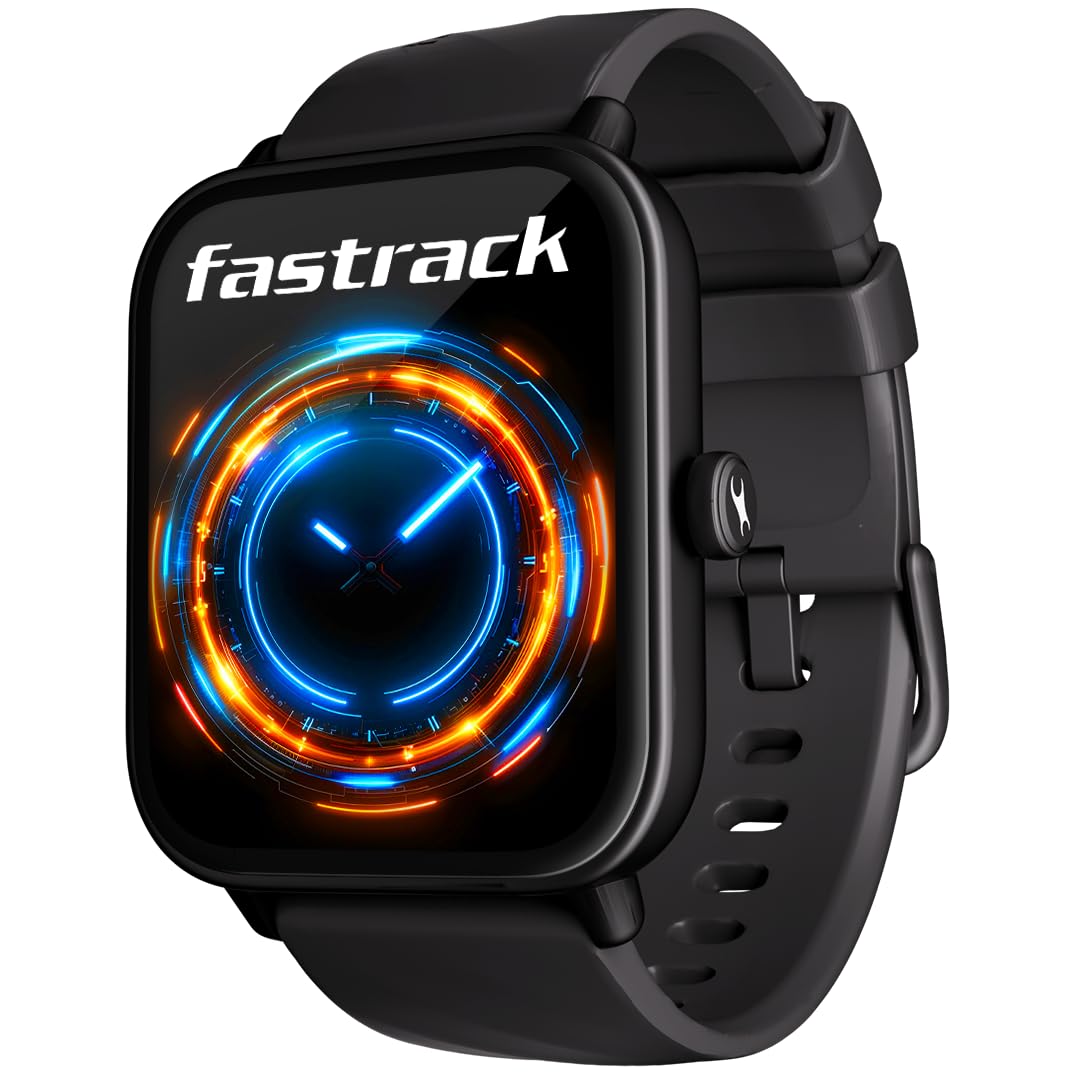
A smartwatch with Bluetooth calling lets you answer and make calls from your wrist, which is handy when your phone is in a bag or charging in another room. The watch still relies on your phone for the call itself, so it helps to know how the connection works.
How Bluetooth calling works
A calling smartwatch has a small microphone and speaker. The call runs on your phone's SIM and mobile network; the phone simply sends the call audio to the watch over Bluetooth, much as it would to a Bluetooth headset.
- Two kinds of link: many watches use a low-energy Bluetooth connection for notifications and health data, plus a separate audio connection for calls. That is why setup often asks you to approve a second pairing.
- Range: your phone has to be within Bluetooth range, usually up to about 10 metres in open space and less through walls.
- No SIM in the watch: if your phone is switched off, out of range or has no network, the watch cannot make or take calls.
Brands also give their calling connection their own names, such as SingleSync BT Calling on the Fastrack Limitless Glide and True Sync on the Noise Pulse 4 Max. The exact setup steps depend on the model.
What you can do from your wrist
Features vary by model, but commonly include answering or rejecting calls, a dial pad, recent calls and favourite contacts synced from the app. The Redmi Watch 5 Lite, for example, lists dual-mic AI noise reduction for calls, favourite contacts, call history and quick replies, while the Fastrack Limitless Glide lists contacts storage.
On iPhone, third-party watches generally cannot send replies to messages, because iOS does not allow it. Answering and making calls is not affected by this.
Setting up calling: general steps
- Pair the watch through its companion app first, as the manual describes.
- Switch on Bluetooth calling in the app or on the watch. The setting may be called Bluetooth calling, BT call or something similar.
- Approve the pairing request for call audio. On Android, tap Pair when the pop-up appears. On iPhone, you may need to open Settings > Bluetooth and tap the watch's calling entry, which can have a slightly different name from the watch itself.
- Allow access to contacts if you want caller names and favourites on the watch, then sync your favourites from the app.
- Make a test call and adjust the call volume on the watch.
Getting clearer calls
- Calls play through the watch speaker, so people nearby can hear both sides. For private calls, switch to your phone or earbuds.
- Bring your wrist closer to your face in noisy places. Wind and traffic still affect the microphone, even with noise reduction.
- Keep your phone within range, without thick walls between the two.
- Keep the microphone and speaker holes clean with a soft, dry brush.
Battery impact
Calling keeps an extra audio connection ready, so it uses more battery than notifications alone. The Fastrack Limitless Glide's listing shows the difference: up to 7 days under standard conditions, and up to 3 days with BT calling.
Common issues
- Calls ring on the watch but there is no audio: check that calling is switched on in the app, and approve the call-audio pairing again if needed.
- Calls go to the watch while you are wearing earbuds: during the call, choose the audio output on your phone, or turn off calling on the watch for a while. On Android, the watch's Bluetooth settings (the gear icon) may also have a calls toggle; labels vary.
- No caller names: allow contacts access for the app and sync again.
Quick answers
Can I make calls from the watch without my phone nearby?
No. These watches have no SIM, so calls go through your phone. It must be switched on, connected and within Bluetooth range.
Does Bluetooth calling work with an iPhone?
On most calling watches, yes, for answering and making calls. Replies to messages are generally not available on iPhone, so check the product listing and manual for what is supported.
Will calling drain my watch battery faster?
Yes, it uses more power than notification-only use. Turn calling off when you don't need it to stretch the battery.
Browse smartwatches with Bluetooth calling, and see Setting Up a New Smartwatch with Your Phone for first-time setup.


